AI chatbots
How to Train a Chatbot on Your Own Data: Automate Support, Capture Leads & Improve Customer Experience
Jun 24, 2026· 6 min read
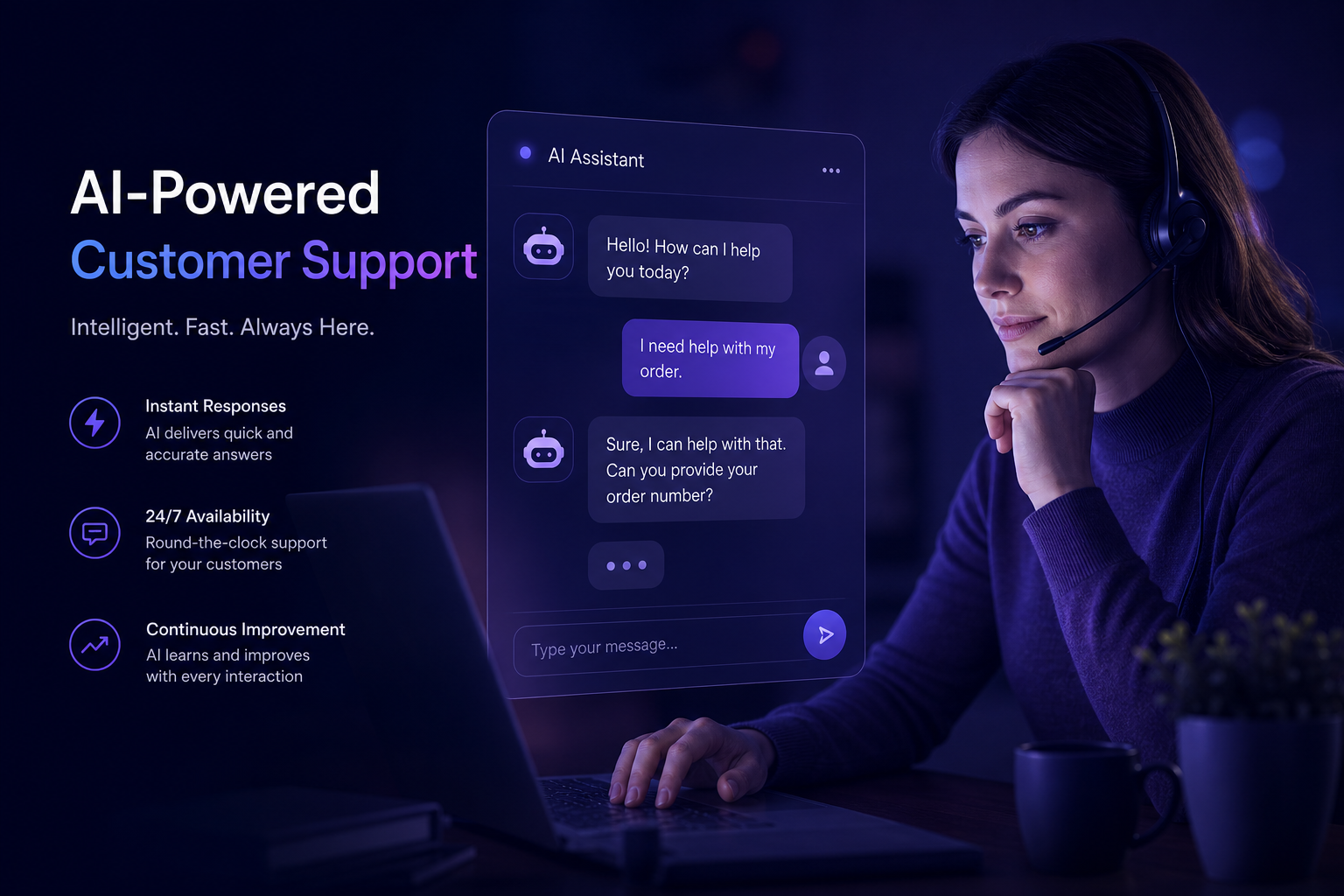
Introduction to Training a Chatbot on Your Own Data
Training a chatbot on your own data can significantly enhance its performance and relevance to your specific business needs. Whether you're a SaaS founder or an SMB owner, understanding how to train a chatbot on your own data is crucial for maximizing its potential. In this guide, we'll explore the importance of custom data training for chatbots, the benefits it offers, and provide step-by-step guidance on how to accomplish this task.
Why Train a Chatbot on Your Own Data?
Customizing a chatbot with your own data allows it to learn from your specific business context, including your products, services, customer interactions, and brand voice. This personalization is key to delivering accurate and helpful responses to customer inquiries, thus improving customer satisfaction and reducing the workload on human support agents. For instance, a well-trained chatbot can efficiently handle frequently asked questions, freeing up resources for more complex issues that require human intervention.
Benefits of Training a Chatbot on Your Own Data
- Improved Accuracy: A chatbot trained on your own data understands the nuances of your business, leading to more accurate and relevant responses to customer queries.
- Enhanced Customer Experience: By providing personalized and contextually appropriate responses, you can significantly enhance the overall customer experience, leading to higher satisfaction rates and loyalty.
- Increased Efficiency: Automating support tasks with a custom-trained chatbot reduces the burden on human support teams, allowing them to focus on more complex and high-value tasks.
- Competitive Advantage: Offering a sophisticated and personalized chatbot experience can differentiate your business from competitors, especially in highly competitive markets.
Step-by-Step Guide to Training a Chatbot on Your Own Data
Step 1: Data Collection
The first step in training a chatbot on your own data is to collect a comprehensive dataset. This dataset should include a wide range of customer interactions, such as support tickets, chat logs, email communications, and feedback forms. Ensuring that your dataset is diverse and representative of various customer inquiries and scenarios is crucial for the chatbot's ability to generalize and respond appropriately to new, unseen queries.
Step 2: Data Preprocessing
After collecting the data, the next step is preprocessing. This involves cleaning the data by removing any irrelevant or redundant information, handling missing values, and normalizing the text to ensure consistency. Data preprocessing is a critical step as it directly affects the quality of the training data and, consequently, the performance of the chatbot.
Step 3: Choosing a Chatbot Platform
Selecting the right chatbot platform is essential for successful chatbot training. Look for platforms that offer flexibility in terms of data integration, customization options, and scalability. Platforms like DBestChatBot provide comprehensive tools and support for training chatbots on custom data, including integration with various websites and platforms, such as the AI chatbot WordPress plugin for seamless integration with WordPress sites.
Step 4: Training the Model
With your data prepared and a platform chosen, the next step is to train the chatbot model. This involves feeding your preprocessed data into the chatbot's AI engine and configuring the model's parameters for optimal performance. The training process may require iterations to achieve the desired level of accuracy and response quality.
Step 5: Testing and Deployment
After training, thoroughly test your chatbot to ensure it responds as expected to various customer queries. Once satisfied with its performance, you can deploy the chatbot on your website or application. Continuous monitoring and updates are necessary to maintain and improve the chatbot's performance over time.
Use Cases for Custom-Trained Chatbots
Use Case 1: Customer Support
A custom-trained chatbot can be particularly effective in customer support roles, providing instant responses to frequent queries, helping with order tracking, and even escalating complex issues to human support agents seamlessly, such as through human handoff via Telegram.
Use Case 2: Lead Generation
For lead generation, a chatbot trained on your own data can engage potential customers, provide personalized product recommendations, and capture leads more effectively than generic chatbots. This can be especially beneficial for Shopify stores looking to enhance their customer interaction and sales funnel.
Use Case 3: SaaS Onboarding
In SaaS applications, custom-trained chatbots can guide new users through the onboarding process, offer tailored tutorials, and reduce churn by ensuring that users get the most out of the application from the start. This personalized approach can significantly enhance user experience and satisfaction.
Best Features to Look for in a Chatbot for Custom Data Training
- Multi-LLM Support: The ability to support multiple Large Language Models (LLMs) like GPT, Claude, and DeepSeek ensures flexibility and the potential for better performance.
- Easy Data Integration: Look for platforms that offer straightforward data integration processes, making it easier to upload and train your chatbot on your own data.
- Customization Options: The ability to customize the chatbot's responses, tone, and behavior according to your brand and customer needs is essential.
- Scalability: Ensure the platform can scale with your business, handling increased traffic and user interactions without compromising performance.
FAQs about Training a Chatbot on Your Own Data
Q: What kind of data is best for training a chatbot?
A: The best data for training a chatbot includes a diverse range of customer interactions, such as support tickets, chat logs, and feedback forms, that are representative of various customer inquiries and scenarios.
Q: How long does it take to train a chatbot on custom data?
A: The time it takes to train a chatbot can vary significantly depending on the size and quality of the dataset, the complexity of the model, and the computational resources available. It can range from a few days to several weeks or even months.
Q: Can I integrate a custom-trained chatbot with my existing website or application?
A: Yes, most modern chatbot platforms offer integration capabilities with various websites and applications, including Webflow chatbot integration for designers and developers, and the ability to embed the chatbot via script tag for custom-built sites.
Q: How much does it cost to train a chatbot on my own data?
A: The cost can vary widely depending on the platform, the size of your dataset, and the complexity of the training process. Some platforms offer affordable plans, including free tiers, while others may charge based on the number of interactions or custom development requirements. It's essential to review pricing plans, such as those found on the DBestChatBot pricing page, to understand the costs involved.
Getting Started with Training Your Chatbot on Custom Data
To begin your journey in training a chatbot on your own data, consider exploring platforms like DBestChatBot that offer comprehensive solutions for chatbot training and integration. With the right tools and a well-planned approach, you can unlock the full potential of chatbot technology for your business, enhancing customer experience, automating support, and driving growth.
See a chatbot built for your site in 30 seconds
Paste your URL on /seeitlive and we'll generate a working AI chatbot you can chat with right now — no signup, no credit card.
Try the live demoFrequently asked questions
- What is the primary benefit of training a chatbot on your own data?
- The primary benefit is improved accuracy and relevance of the chatbot's responses to customer inquiries, leading to enhanced customer satisfaction and reduced support workload.
- How do I collect data for training a chatbot?
- Collect a diverse range of customer interactions, including support tickets, chat logs, email communications, and feedback forms.
- What features should I look for in a chatbot platform for custom data training?
- Look for features like multi-LLM support, easy data integration, customization options, and scalability.
- Can I integrate a custom-trained chatbot with my Shopify store?
- Yes, platforms like DBestChatBot offer integration capabilities with Shopify, enhancing customer interaction and sales funnels.
- How much does it cost to train a chatbot on custom data?
- The cost varies depending on the platform, dataset size, and training complexity. Review pricing plans to understand the costs involved.
Related reading

AI chatbots
Best AI Chatbot for WordPress: Automate Support, Generate Leads & Boost Sales
Find the best AI chatbot for your WordPress site to automate support, generate leads, and boost sales. Learn how to choose the right chatbot and get started with easy installation and seamless integration.
Jun 29, 2026 · 5 min read
AI chatbots
AI Chatbot ROI Calculator: Boost Conversions, Reduce Support Tickets & Increase Sales
Learn how to calculate the return on investment of AI chatbots and discover the benefits of using an AI chatbot ROI calculator for your website. Get started with a free trial and see the results for yourself.
Jun 25, 2026 · 5 min read
AI chatbots
Best AI Chatbot for WordPress: Boost Engagement & Capture Leads
Learn how the best AI chatbot for WordPress can elevate user interaction and capture valuable leads efficiently, boosting your site's overall performance.
Jun 20, 2026 · 4 min read